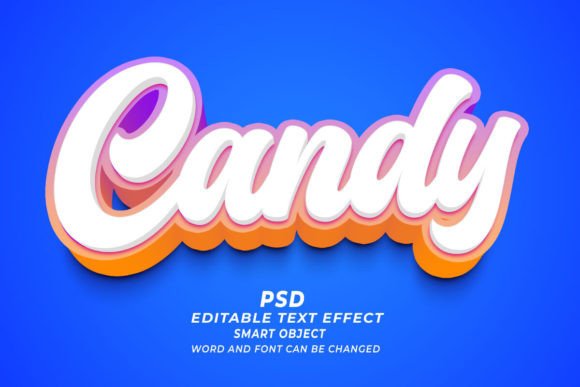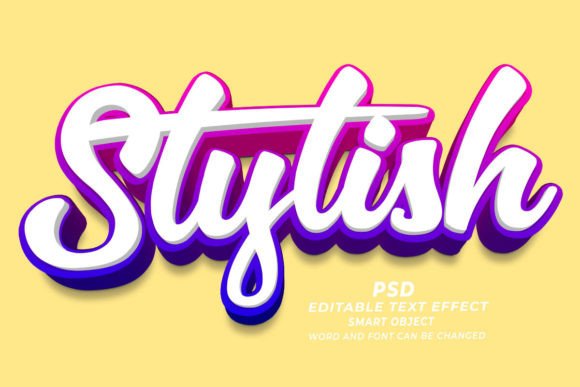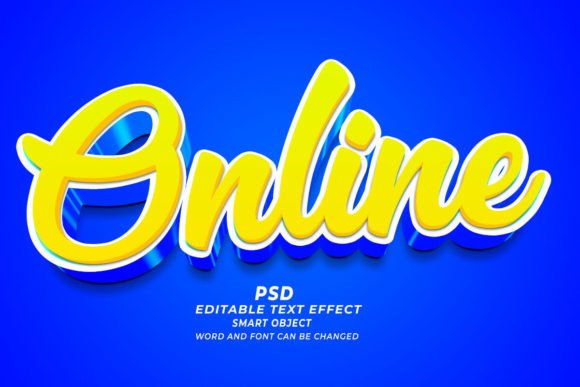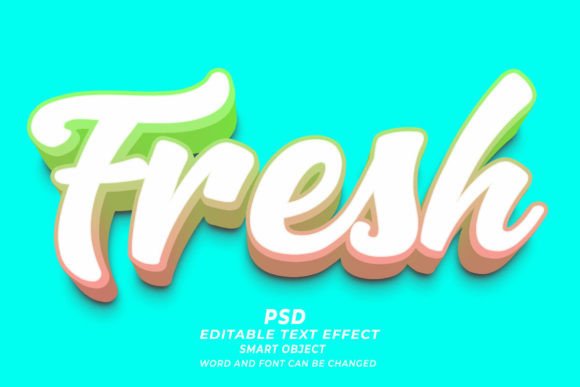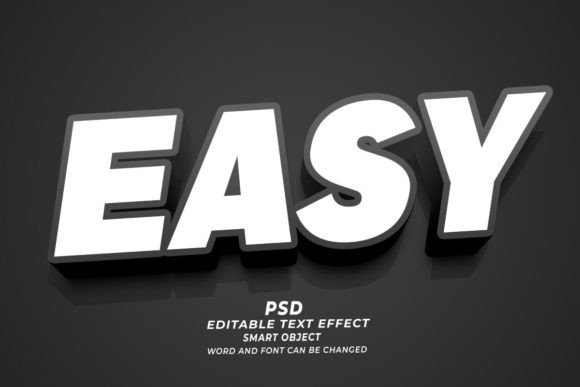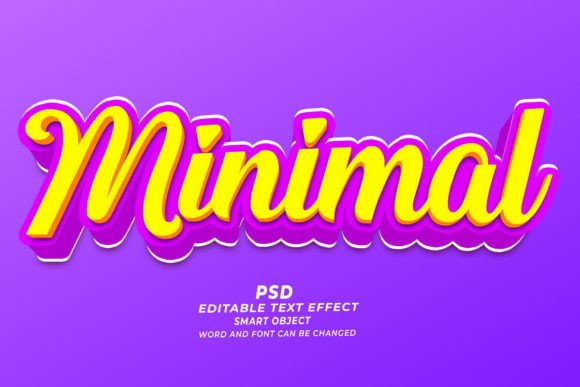
Understanding Minimal PSD 3D Editable Text Effects
In the evolving landscape of digital design, efficiency and visual impact often compete for priority. Designers, marketers, and content creators frequently seek tools that bridge the gap between high-quality aesthetics and rapid production timelines. One such solution gaining traction is the Minimal PSD 3D Editable Text Effect. This resource offers a streamlined approach to creating three-dimensional typography without the steep learning curve associated with manual 3D modeling in Adobe Photoshop. By leveraging smart objects and pre-configured layer styles, these templates allow users to generate professional-grade text effects with minimal effort.
What Is a Minimal PSD 3D Editable Text Effect?
At its core, a Minimal PSD 3D Editable Text Effect is a pre-designed Adobe Photoshop file (.psd) that utilizes advanced layer structures to simulate depth, lighting, and texture on text or shapes. The term "minimal" refers to the aesthetic style—clean, uncluttered, and modern—as well as the workflow simplicity. Unlike complex 3D renders that require extensive knowledge of lighting engines and polygon modeling, these PSD files rely on Photoshop’s native capabilities, such as smart objects, layer styles, and blending modes.
The functionality is straightforward. Users open the file, locate the designated smart object layer, and replace the placeholder text with their own. Upon saving the smart object, the main document automatically updates to reflect the new text while maintaining the 3D perspective, shadows, and highlights. This "click-and-edit" mechanism ensures that the structural integrity of the design remains intact, regardless of the font or length of the text inserted, provided it fits within the original composition bounds.
Why Consider Using Pre-Made Text Effects?
The primary driver for adopting a Minimal PSD 3D editable text effect is time efficiency. Creating realistic 3D text from scratch involves multiple steps: extruding shapes, configuring light sources, adjusting material properties, and rendering the final image. For professionals working under tight deadlines, this process can be prohibitive. Pre-made templates condense hours of work into minutes, allowing designers to focus on broader creative strategies rather than technical execution.
Furthermore, consistency is a significant factor. In branding and marketing, maintaining a uniform visual language across various materials is crucial. These templates provide a standardized look that can be replicated across different projects. Whether used for web banners, social media posts, or print materials, the output remains cohesive. This is particularly beneficial for teams where multiple designers may be working on similar assets, ensuring that the final deliverables align with brand guidelines.
Key Benefits and Practical Applications
The versatility of these PSD files makes them suitable for a wide array of applications. Because they are fully editable, users can modify fonts, sizes, and colors to match specific project requirements. The high resolution of 300 DPI ensures that the output is suitable for both digital and print mediums. Below are several scenarios where these text effects prove particularly useful:
- Web and Digital Banners: Eye-catching 3D headers can increase click-through rates by drawing attention to key messages. The minimal style ensures that the text remains legible and does not overwhelm the overall design.
- Print-on-Demand (POD) and T-Shirt Design: The ability to easily swap text allows for rapid prototyping of merchandise designs. Designers can test various phrases and layouts quickly before finalizing products for sale.
- KDP Book Covers: Self-publishing authors often need professional-looking covers without hiring expensive designers. A 3D text effect can add a premium feel to title typography, making the book stand out in thumbnail views.
- Marketing Materials: From flyers to brochures, 3D text can highlight promotions or key features. The editable nature means that last-minute changes to copy do not require a complete redesign.
Another notable advantage is the accessibility for non-experts. While Adobe Photoshop is a powerful tool, its 3D features can be intimidating for beginners. These templates democratize access to advanced visual effects, enabling individuals with basic Photoshop skills to produce results that appear professionally crafted.
Tradeoffs and Limitations to Consider
While the convenience of a Minimal PSD 3D Editable Text Effect is undeniable, it is essential to understand its limitations. The most significant constraint is flexibility. Because the lighting, perspective, and texture are pre-baked into the layer styles, making substantial changes to the environment can be challenging. For instance, if a project requires a specific light source direction that contradicts the template’s setup, adjusting it may require advanced knowledge of layer effects and could compromise the realism of the shadowing.
Additionally, font compatibility plays a role. While most templates allow for font changes, extremely bold or intricate typefaces may not interact with the 3D effects as intended. Thin fonts might lose detail when extruded, while overly complex scripts might cause rendering issues within the smart object. Users must test different typefaces to ensure the desired aesthetic is achieved.
There is also the consideration of originality. Since these templates are available to a broad audience, there is a risk of encountering similar designs in the wild. For brands seeking a unique visual identity, relying solely on pre-made assets may dilute their distinctiveness. It is advisable to customize the colors, textures, and composition further to create a more bespoke look.
When to Choose Templates vs. Custom Creation
Deciding whether to use a pre-made text effect or create one from scratch depends on the project’s specific needs. A Minimal PSD 3D editable text effect is an ideal choice when speed, cost-effectiveness, and standard quality are the primary concerns. It is particularly strong for iterative projects, such as A/B testing ad creatives or producing large volumes of social media content where consistency and turnaround time are critical.
Conversely, custom creation is warranted when the project demands unique artistic direction, specific lighting conditions, or integration with complex 3D scenes. If the text needs to interact dynamically with other 3D objects in a scene, or if the brand requires a proprietary typographic style that cannot be achieved through standard layer styles, investing time in manual creation or hiring a 3D specialist is the better path.
Making an Informed Decision
Evaluating the suitability of these tools requires a clear understanding of your workflow and goals. Ask yourself the following questions:
- What is the timeline? If the deadline is tight, a template offers a reliable shortcut.
- How much customization is needed? If you only need to change the text and colors, a PSD template is sufficient. If you need to alter the geometry or lighting significantly, consider custom work.
- What is the intended medium? For high-resolution print (300 DPI) and web use, these files are optimized. Ensure your final output matches the resolution requirements of your platform.
- Do you have the necessary software? These effects require Adobe Photoshop. Ensure your version supports smart objects and the specific layer styles used in the template.
In conclusion, the Minimal PSD 3D Editable Text Effect serves as a valuable asset in a designer’s toolkit. It balances aesthetic appeal with operational efficiency, making it a practical choice for a wide range of digital and print applications. By understanding its capabilities and limitations, users can leverage these resources effectively to enhance their visual communication while maintaining productivity. Whether for a quick web banner or a detailed book cover, these templates offer a dependable foundation for creating impactful 3D typography.