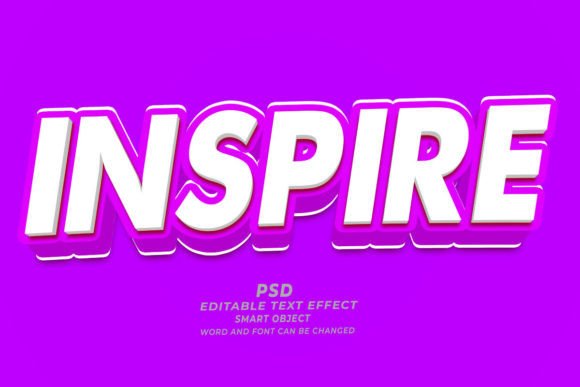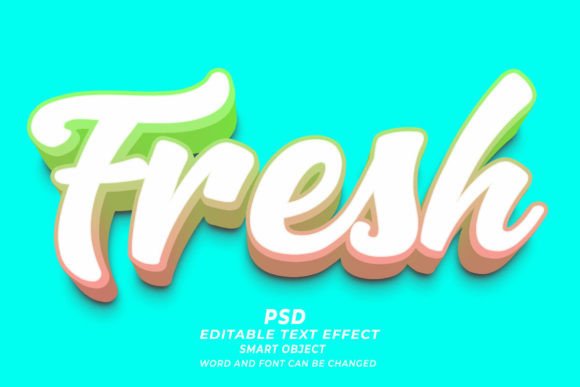
Evaluating Fresh PSD 3D Editable Text Effects for Design Workflows
In the fast-paced world of digital design, efficiency often dictates the success of a project. Designers, marketers, and content creators are constantly seeking tools that reduce production time without compromising visual quality. One such tool gaining traction is the Fresh PSD 3D Editable Text Effect. This resource offers a streamlined approach to creating complex three-dimensional typography within Adobe Photoshop. By leveraging smart objects and pre-configured layer styles, these templates allow users to generate professional-grade 3D text with minimal technical effort. Understanding the capabilities, limitations, and ideal use cases for these assets is essential for determining whether they align with your specific design goals.
Understanding the Technology Behind the Template
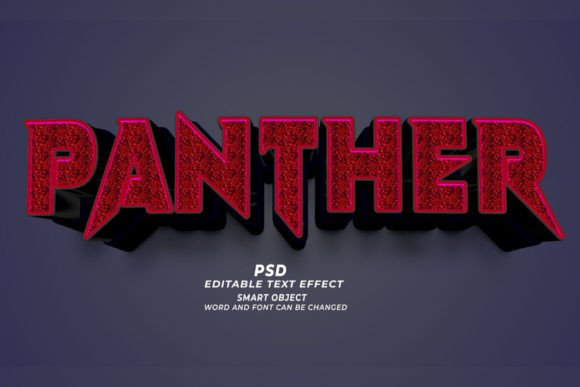
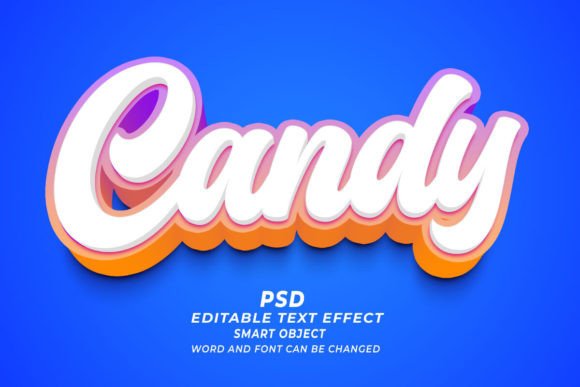
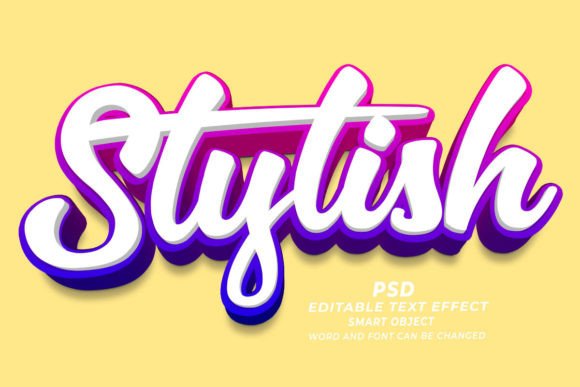
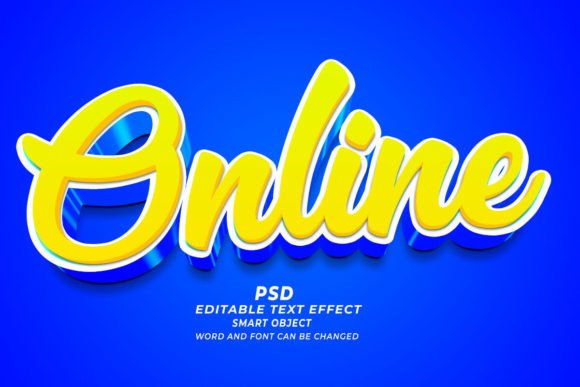
At its core, a Fresh PSD 3D editable text effect is a pre-built Adobe Photoshop file (.psd) that utilizes the software’s Smart Object functionality. Unlike traditional text layers that require manual adjustment of lighting, shadows, extrusion, and perspective, these templates come with all visual parameters pre-set. The user’s primary task is simply to open the file, locate the designated Smart Object layer, and replace the placeholder text with their own.
The technology relies on non-destructive editing. When you update the text within the Smart Object, Photoshop automatically recalculates the 3D effects, applying the existing bevels, embosses, gradients, and shadow maps to the new characters. This process ensures that the visual consistency of the design remains intact regardless of the input. Furthermore, because these files are typically saved at a high resolution of 300 DPI, they are suitable for both digital displays and high-quality print materials. The flexibility extends beyond standard alphanumeric characters; many of these effects can be applied to various shapes or logos, provided they are inserted correctly into the smart object container.
Primary Benefits for Designers and Marketers
The most significant advantage of using a Fresh PSD 3D Editable Text Effect is time efficiency. Creating realistic 3D typography from scratch in Photoshop is a labor-intensive process that requires a deep understanding of light sources, material properties, and perspective grids. For professionals working under tight deadlines, such as those producing web banners or marketing materials for immediate campaigns, these templates offer a viable shortcut. What might take hours to model and render manually can be achieved in minutes.
Another critical benefit is accessibility. Not every designer possesses advanced 3D modeling skills or access to specialized 3D software like Blender or Cinema 4D. These PSD bridges gap allows graphic designers who are proficient in 2D tools to produce compelling 3D visuals. This democratization of 3D design enables small business owners, print-on-demand (POD) sellers, and self-publishing authors to create high-end covers and merchandise designs without hiring expensive specialists.
Additionally, the versatility of these files supports a wide range of applications. Whether you are designing a book cover for Kindle Direct Publishing (KDP), creating a T-shirt graphic, or developing a website header, the high-resolution output ensures clarity across mediums. The ability to easily modify fonts, sizes, and colors means that a single template can be adapted for multiple brand identities or campaign themes, offering considerable value for money.
Tradeoffs and Technical Considerations
While the convenience of Fresh PSD 3D editable text effects is undeniable, there are tradeoffs that users must consider. The primary limitation is customization depth. Because the lighting, texture, and perspective are pre-baked into the layer styles, deviating significantly from the original look can be challenging. If a project requires a specific light angle that contradicts the template’s setup, adjusting it may require advanced knowledge of Photoshop’s layer style dialog box, potentially negating the time-saving benefits.
Furthermore, file size and performance can be concerns. High-resolution 3D effects often involve complex layer structures and heavy raster effects. On older computers or systems with limited RAM, working with multiple instances of these templates can slow down workflow. It is also important to note that while the text is editable, the underlying 3D geometry is fixed. You cannot rotate the object in 3D space freely as you would in a dedicated 3D application. The perspective is locked to the view established by the template creator.
Compatibility is another factor. These templates generally require recent versions of Adobe Photoshop to function correctly, particularly if they utilize newer smart filter technologies. Users relying on alternative software like GIMP or Affinity Photo may find that these PSD files do not translate perfectly, as proprietary Adobe features may not be supported.
Ideal Use Cases for 3D Text Templates
Determining when to use a Fresh PSD 3D Editable Text Effect depends largely on the project requirements. These templates are an excellent fit for scenarios where speed and visual impact are prioritized over unique geometric customization. For instance, in the realm of Print on Demand (POD), where trends change rapidly, being able to quickly generate trendy 3D text designs for T-shirts or mugs can provide a competitive edge. Similarly, for KDP book covers, especially in genres like thriller or sci-fi where bold, dimensional typography is standard, these effects can help achieve a professional look without the overhead of custom 3D rendering.
Marketing materials also benefit significantly from these assets. Web banners and social media ads often need to grab attention quickly. The depth and shadow provided by 3D text effects help headlines stand out against busy backgrounds. Since these campaigns often have short lifespans, the investment in creating a custom 3D asset from scratch is rarely justified. Here, the "click and edit" nature of the PSD template aligns perfectly with the agile needs of digital marketing.
When to Consider Alternatives
There are situations where relying on pre-made PSD templates may not be the best strategy. If a brand requires a highly specific, proprietary 3D logo that must be viewed from multiple angles or integrated into an animated video sequence, a dedicated 3D software solution is necessary. Templates are static; they cannot provide the dynamic rotation or interactive elements required for modern web interactions or video motion graphics.
Additionally, if uniqueness is the primary goal, caution is advised. Popular templates may be used by hundreds of other designers, leading to a saturated visual landscape. If distinctiveness is crucial for brand identity, it may be worth investing the time to create custom textures and lighting setups, even if it takes longer. In such cases, using the template as a starting point rather than a final solution can be a balanced approach.
Making the Right Decision for Your Workflow
Integrating Fresh PSD 3D editable text effects into your workflow requires a clear assessment of your needs. Ask yourself: Is speed more important than absolute creative control? Do I need high-resolution static images, or dynamic 3D models? If the answer favors speed and static output, these templates are a powerful asset. They lower the barrier to entry for 3D design and ensure consistent, high-quality results.
Ultimately, the value of these tools lies in their ability to streamline repetitive tasks. By handling the technical complexities of 3D rendering, they free up designers to focus on composition, color theory, and overall message delivery. For professionals managing high volumes of content, such as digital marketers or POD entrepreneurs, adopting these resources can significantly enhance productivity. However, maintaining a critical eye towards customization and originality ensures that the final output remains aligned with your unique creative vision.