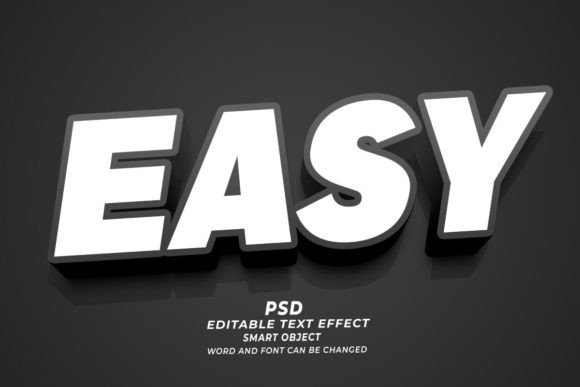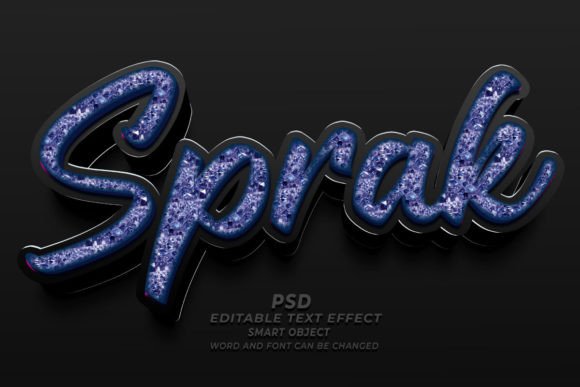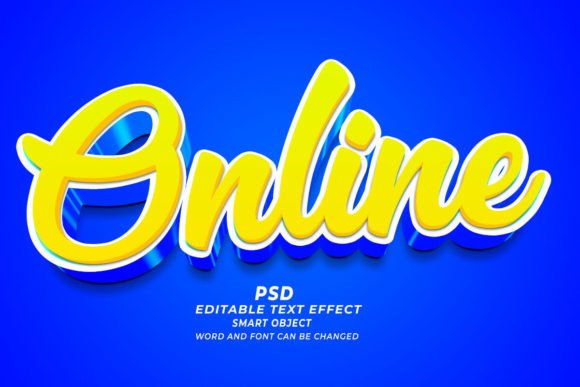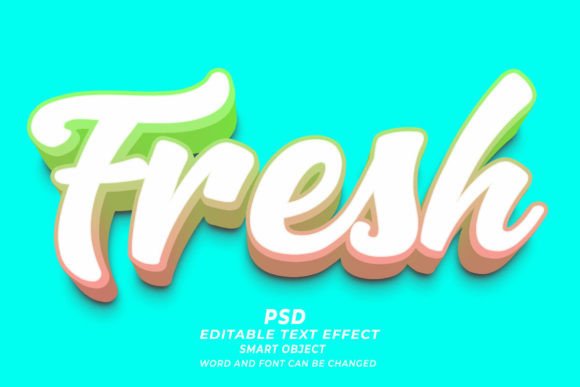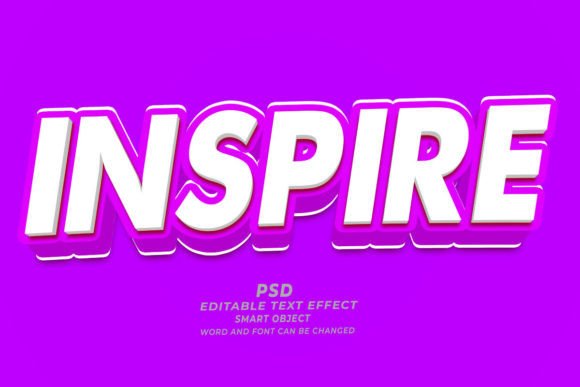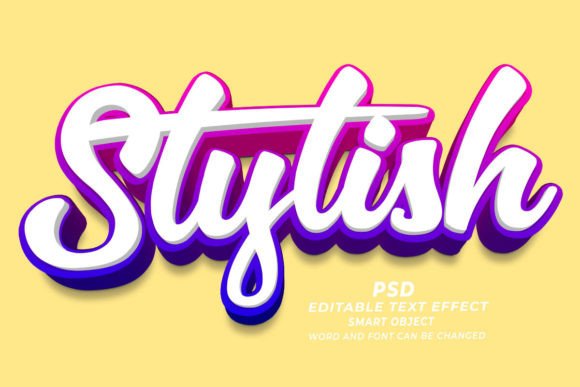
Maximizing Design Efficiency with Stylish PSD 3D Editable Text Effects
In the fast-paced world of digital design, the balance between aesthetic quality and production speed is a constant challenge. For graphic designers, marketers, and print-on-demand entrepreneurs, creating high-quality three-dimensional typography from scratch can be a time-consuming process that requires advanced technical skills in lighting, perspective, and layer management. This is where the concept of a Stylish PSD 3D Editable Text Effect becomes a valuable resource. These pre-configured Photoshop files offer a streamlined workflow, allowing users to achieve professional-grade results without starting from zero. However, understanding when to utilize these templates versus custom creation is essential for making informed decisions about your design toolkit.
Understanding the Mechanics of Smart Object Technology
The core value proposition of any high-quality PSD text effect lies in its use of Smart Objects. Unlike standard raster layers, Smart Objects preserve an image’s source content with all its original characteristics, enabling non-destructive editing. When you purchase or download a Stylish PSD 3D editable text effect, you are essentially acquiring a complex stack of adjustment layers, blending modes, and filter effects that have been meticulously mapped to a specific input layer.
The workflow is straightforward yet powerful. You open the file in Adobe Photoshop, locate the designated Smart Object layer—often clearly labeled for ease of use—and double-click it. This action opens a separate document window where you can input your desired text, adjust fonts, or even replace the text with vector shapes. Upon saving and closing this secondary window, the main document automatically updates, applying the intricate 3D styling, shadows, highlights, and textures to your new content. This "click and edit" functionality reduces what could be an hour-long modeling task into a matter of minutes, provided the template is well-constructed.
Comparing Templates to Custom 3D Creation
When evaluating whether to use a pre-made text effect or build one manually, it is helpful to consider the tradeoffs between customization and efficiency. Custom 3D text creation in Photoshop or dedicated 3D software like Blender or Cinema 4D offers unlimited flexibility. You control every vertex, light source, and material property. This approach is necessary when a project demands a highly specific, unique look that cannot be achieved through standard filters.
Conversely, a Stylish PSD 3D Editable Text Effect operates within defined parameters. The lighting direction, depth intensity, and texture resolution are pre-set by the creator. For many commercial applications, such as web banners, social media posts, or standard print materials, this level of fixed styling is not a limitation but a benefit. It ensures visual consistency and adheres to current design trends without requiring the user to have an expert eye for lighting physics. The decision ultimately hinges on the project's scope: if uniqueness is paramount, custom creation is key; if speed and professional polish are the priorities, editable PSDs are the superior choice.
Versatility Across Print and Digital Mediums
One of the most significant advantages of using high-resolution PSD templates is their adaptability across various mediums. A common misconception is that digital assets are only suitable for screen-based displays. However, a well-made Stylish PSD 3D editable text effect is typically rendered at 300 DPI (dots per inch), which is the industry standard for high-quality printing. This makes them equally effective for physical products as they are for digital ads.
- Print-on-Demand (POD) and Apparel: T-shirt designs often rely on bold, eye-catching typography. Using a 3D text effect can add depth and perceived value to a simple slogan, making it stand out in a crowded marketplace. Since the text is editable, designers can quickly iterate through different phrases to test market response.
- KDP Book Covers: Self-publishing authors on platforms like Amazon KDP need covers that look professional and genre-appropriate. A stylish 3D title can convey the tone of a thriller, romance, or business book instantly. The ability to change fonts and sizes easily allows authors to tweak the hierarchy until the title balances perfectly with the cover art.
- Marketing Materials and Web Banners: In digital marketing, attention spans are short. 3D text pops off the flat background of a webpage or email newsletter, increasing click-through rates. Because these PSDs are editable, marketing teams can rapidly produce seasonal variations of the same campaign asset without redesigning the entire layout.
Evaluating Quality and Technical Specifications
Not all PSD text effects are created equal. When selecting a Stylish PSD 3D Editable Text Effect, several technical factors should influence your decision. First, consider the resolution. As mentioned, 300 DPI is crucial for any potential print use. If a template is only 72 DPI, it will appear pixelated and unprofessional when printed, limiting its utility to web-only projects.
Second, examine the flexibility of the smart object. The best templates allow for more than just text replacement; they should accommodate different font weights and lengths without breaking the visual structure. Some poorly constructed effects may distort if the text is too long or if a particularly bold font is used. Look for descriptions that mention compatibility with various shapes and fonts, indicating that the creator has tested the limits of the design.
Additionally, check for organization. A professional PSD file will have clearly named layers and groups. This transparency allows advanced users to tweak specific elements, such as changing the color of a shadow or adjusting the intensity of a glow, providing a middle ground between a rigid template and a fully custom build.
When to Choose Alternatives
While editable PSDs are powerful, they are not a universal solution. There are scenarios where alternative tools or approaches may be more appropriate. For instance, if you require real-time 3D rendering for a video game or an interactive website, static PSDs will not suffice. In these cases, learning a 3D modeling tool or using CSS3 3D transforms for web development would be the correct path.
Furthermore, if your brand guidelines strictly prohibit the use of stock assets or require a completely proprietary visual language, relying on popular PSD templates might risk your designs looking generic. If many other designers purchase the same "stylish" effect, your brand could lose its distinctiveness. In such instances, investing time in custom design or hiring a specialized 3D artist ensures exclusivity.
Another consideration is software dependency. These effects require Adobe Photoshop. If your workflow relies on free or open-source software like GIMP or online tools like Canva, these PSD files will not be directly compatible. While some conversion is possible, it often results in the loss of editability, negating the primary benefit of the product.
Making an Informed Decision for Your Workflow
Integrating a Stylish PSD 3D editable text effect into your design process is largely about resource management. For freelancers juggling multiple clients, or small business owners handling their own marketing, the time saved by using these templates can be reinvested into strategy, client communication, or other creative tasks. The ability to simply open a file, replace the text, and export a high-resolution image streamlines production significantly.
However, it is vital to view these tools as part of a broader skillset rather than a replacement for design fundamentals. Understanding typography, color theory, and composition remains essential. A 3D effect can enhance good design, but it cannot fix poor layout choices. By using these editable effects judiciously—selecting those that align with your brand’s aesthetic and technical requirements—you can elevate the quality of your output while maintaining an efficient workflow.
Ultimately, the decision to use a pre-made 3D text effect should be driven by the specific needs of the project at hand. For rapid prototyping, consistent marketing materials, and high-volume print-on-demand products, they offer an unbeatable combination of quality and convenience. For highly bespoke, interactive, or brand-critical projects, custom creation remains the gold standard. By weighing these factors, designers can choose the right approach for each unique challenge, ensuring both efficiency and excellence in their final deliverables.