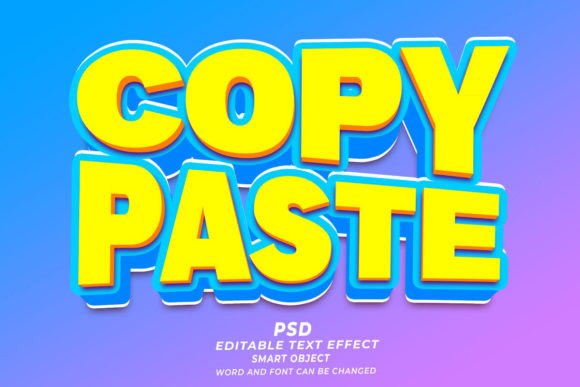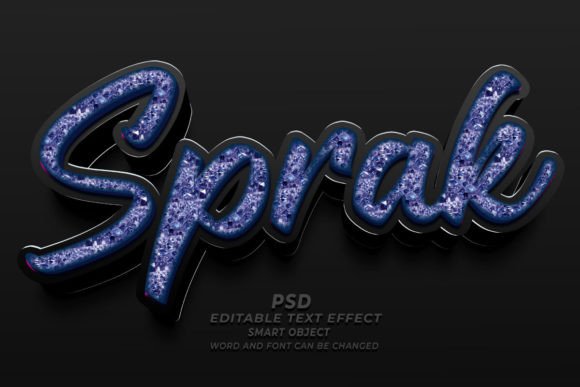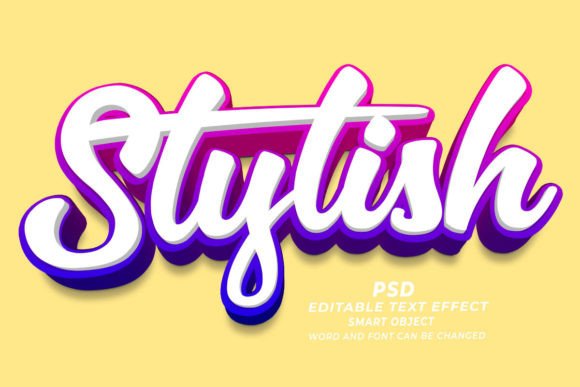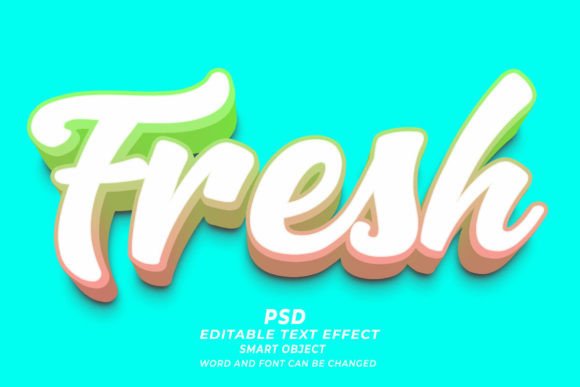
Mastering Online PSD 3D Editable Text Effects for Professional Design
In the rapidly evolving landscape of digital design, the ability to create stunning visual content quickly is no longer just a luxury—it is a necessity. Whether you are a seasoned graphic designer, a marketing professional, or an entrepreneur launching a new brand, the quality of your typography can make or break your visual identity. This is where the concept of the Online PSD 3D Editable Text Effect comes into play. These powerful resources allow creators to bypass hours of manual rendering and achieve high-end, three-dimensional typography with just a few clicks.
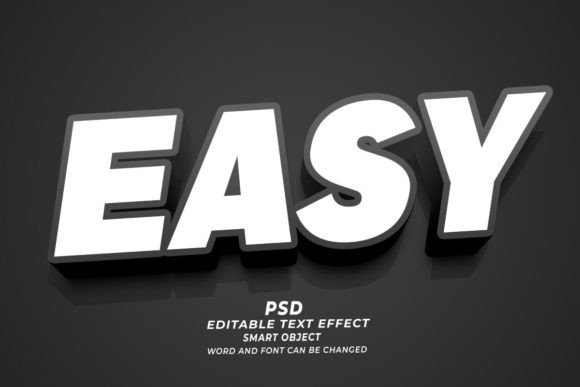
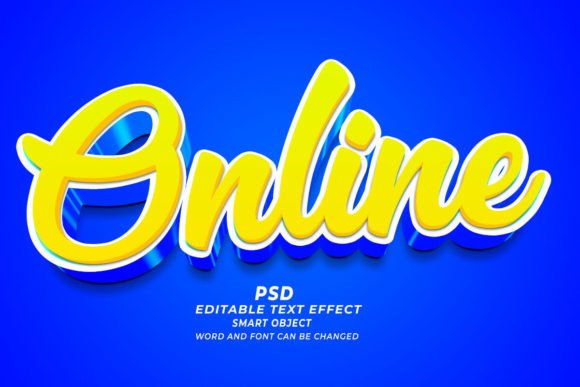
At its core, a Photoshop Editable Text Effect is a pre-designed template file, typically in the .PSD format, that utilizes Adobe Photoshop’s advanced layer styles and smart object technology. The premise is simple yet revolutionary: you open the file, locate the designated smart object layer, replace the placeholder text with your own, and save. Instantly, the complex lighting, shadows, textures, and 3D perspectives update to reflect your new input. This workflow transforms what used to be a technical challenge into an accessible tool for everyone.
Understanding the Technology Behind Smart Objects
To truly appreciate the value of these templates, one must understand the mechanism that powers them: Smart Objects. In Adobe Photoshop, a Smart Object is a container that holds image data from raster or vector images. When you use a 3D text effect template, the text you see is not just flat pixels; it is linked to a specific layer structure that applies non-destructive effects.
This means that when you double-click the smart object thumbnail, a new window opens containing the original text layer. Here, you can change the words, adjust the font family, modify the size, or even swap the text for a custom shape. Once you save this sub-file (Ctrl+S or Cmd+S), the main document automatically updates. The 3D extrusion, the bevels, the ambient occlusion, and the reflective surfaces all recalculate to fit your new content. This "click and edit" functionality ensures that the integrity of the design remains intact while giving you complete creative control over the message.
Why High Resolution Matters in Modern Design
One of the most critical aspects of professional-grade PSD text effects is their resolution. Most premium templates are created at 300 DPI (dots per inch). This standard is essential for print media. If you are designing a T-shirt, a poster, or a KDP book cover, low-resolution images will appear pixelated and unprofessional when printed. By starting with a high-resolution 300 DPI file, you ensure that your final output looks crisp and sharp, whether it is viewed on a retina display screen or printed on physical merchandise.
For digital applications, such as web banners or social media ads, having a high-resolution source file allows you to scale down without losing quality. You can crop, resize, and adapt the asset for various platforms—from Instagram stories to LinkedIn headers—without worrying about blurriness or artifacting. This versatility makes editable text effects a cost-effective solution for businesses that need to maintain a consistent visual standard across multiple channels.
Practical Applications Across Industries
The utility of 3D editable text effects extends far beyond simple graphic design exercises. They are integral tools in various sectors, including e-commerce, publishing, and digital marketing. Let us explore how these assets fit into modern workflows.
- E-Commerce and Print on Demand (POD): For sellers on platforms like Etsy, Amazon Merch, or Redbubble, unique typography is key to standing out. A 3D text effect can turn a simple slogan into a eye-catching design for T-shirts, mugs, or phone cases. Since the files are editable, you can create hundreds of variations by simply changing the text, allowing for rapid product testing and deployment.
- KDP Book Cover Design: Self-publishing authors often struggle with creating professional-looking covers. A 3D title treatment can give a book cover a polished, bestseller aesthetic. With editable PSDs, authors can experiment with different fonts and colors to match their genre, whether it is a bold thriller or a elegant romance novel.
- Digital Marketing and Web Banners: In the fast-paced world of online advertising, click-through rates are heavily influenced by visual appeal. 3D text pops off the screen, drawing the viewer’s eye immediately. Marketers can use these templates to create urgent, high-impact headlines for sales, webinars, or product launches.
- Corporate Branding and Presentations: Businesses can use these effects to create impactful slide decks, report covers, or internal marketing materials. Consistent, high-quality typography reinforces brand authority and professionalism.
Customization: Fonts, Colors, and Shapes
A common misconception is that using templates limits creativity. On the contrary, high-quality PSD text effects are designed to be flexible. While the 3D structure provides the foundation, the user retains control over the aesthetic details. You are not stuck with the default font. If the template uses a bold sans-serif, you can easily swap it for a elegant serif or a playful handwritten script, provided the new font supports the necessary stylistic features.
Furthermore, these effects are not limited to alphanumeric characters. Many advanced templates allow you to replace text with any kind of shape. This opens up possibilities for logo design, iconography, and abstract art. You can import a vector shape, place it into the smart object, and watch as the 3D engine applies the same lighting and texture effects to your custom graphic. This level of customization ensures that the final product feels unique and tailored to your specific needs.
How to Choose the Right Text Effect Template
With thousands of options available online, selecting the right template can be overwhelming. To ensure you get the best results, consider the following factors:
- Compatibility: Ensure the PSD file is compatible with your version of Adobe Photoshop. While most modern templates work with CS6 and later, some advanced 3D features may require newer versions of the software.
- Layer Organization: A well-organized file is a joy to work with. Look for templates where layers are clearly labeled, grouped logically, and where instructions are included. This saves time and reduces frustration during the editing process.
- Style Versatility: Consider whether the style fits your brand. A neon cyberpunk effect might be perfect for a gaming banner but inappropriate for a law firm’s brochure. Choose templates that align with your visual identity or offer enough neutrality to be adapted.
- Support and Updates: Reputable creators often provide support if you encounter issues. Additionally, look for bundles that offer regular updates, giving you access to new trends and styles over time.
The Future of Typography in Digital Media
As we move further into the era of immersive digital experiences, the demand for dynamic, three-dimensional typography continues to grow. Flat design had its moment, but depth, texture, and realism are making a strong comeback, driven by advancements in rendering technology and user interface trends. Tools that simplify the creation of 3D text empower creators to keep pace with these trends without needing to master complex 3D modeling software like Blender or Cinema 4D.
By leveraging Online PSD 3D Editable Text Effects, designers and non-designers alike can bridge the gap between idea and execution. These tools democratize high-end design, allowing anyone with a vision to produce professional-grade visuals. Whether you are creating a single social media post or a full-scale marketing campaign, the efficiency and quality offered by these smart object templates are invaluable.
In conclusion, integrating editable 3D text effects into your workflow is not just about saving time; it is about elevating the quality of your communication. By understanding how to utilize these resources effectively, you can create compelling, high-resolution designs that resonate with your audience and stand out in a crowded digital landscape. So, open that PSD file, click into the smart object, and start creating.