Mastering Brand Presence with High-Resolution Indoor Wall Logo Mockups
In the competitive landscape of modern branding, the gap between a digital concept and its physical realization is often where projects succeed or fail. Designers and business owners frequently struggle to visualize how a flat, two-dimensional logo will interact with the textures, lighting, and spatial dynamics of a real-world environment. This is where the Indoor Wall Logo Mockup becomes an indispensable tool. By bridging the divide between abstract design and tangible reality, these resources allow creators to present their work with a level of professionalism and clarity that static images simply cannot achieve.
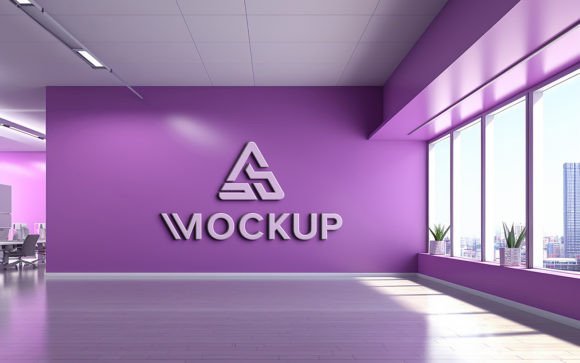
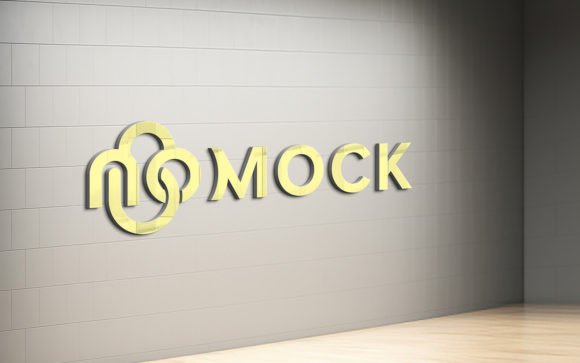
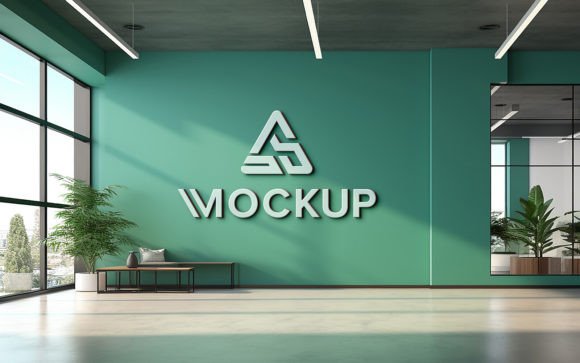
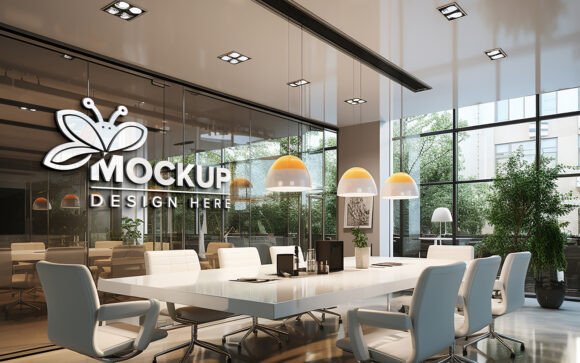
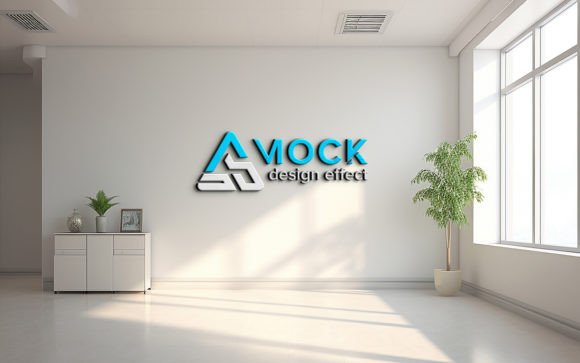
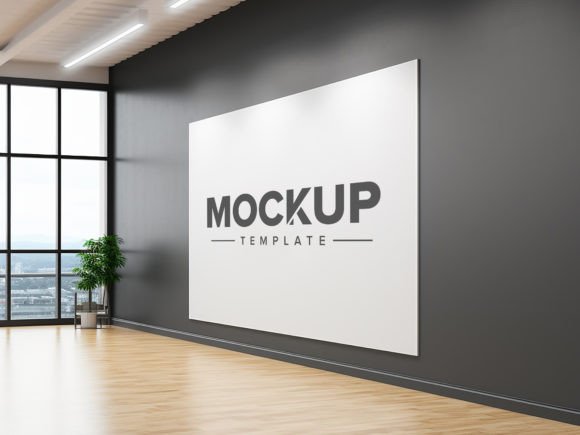
The evolution of digital presentation tools has shifted the industry standard from simple flat lays to immersive, three-dimensional visualizations. An indoor wall setting provides a neutral yet sophisticated backdrop that emphasizes the brand identity without distraction. Whether for a corporate office, a retail storefront, or a creative studio, the way a logo sits on a wall communicates volume, material quality, and attention to detail. Utilizing a high-quality mockup ensures that these nuances are captured accurately, providing stakeholders with a realistic preview of the final installation.
The Technical Advantage of Smart Object Integration
One of the most significant barriers to entry for high-end graphic presentation is the technical skill required to manipulate lighting, shadows, and perspective manually. Traditional methods involve complex layer masking, blending modes, and manual shadow creation, which can be time-consuming and prone to error. The modern Indoor Wall Logo Mockup solves this problem through the use of smart objects in Adobe Photoshop. This feature automates the most tedious aspects of the design process, allowing users to focus on creativity rather than technical execution.
When you utilize a template equipped with smart object replacement, the workflow becomes remarkably streamlined. You simply open the designated smart object layer, paste your logo, design, or text, and save. The software automatically maps your artwork onto the wall surface, adjusting for perspective and scale. More importantly, it applies the correct shadows and lighting effects instantly. This means that if the light source in the scene is coming from the left, your logo will cast a shadow to the right, mimicking the behavior of physical materials like acrylic, metal, or vinyl. This automatic integration ensures that the design looks like it belongs in the space, rather than appearing as a floating sticker.
Accessibility for Non-Designers
A common misconception is that professional-grade mockups require advanced graphic design skills. However, contemporary templates are built with usability in mind. The requirement for "no skill" is not just a marketing claim but a functional reality of well-organized PSD files. For entrepreneurs, small business owners, or marketing managers who may not have extensive experience with Photoshop, these tools democratize high-quality visual communication. You do not need to understand the intricacies of vanishing points or ambient occlusion to achieve a photorealistic result. The heavy lifting is done by the file structure itself, which comes fully layered and organized into folders for easy navigation.
This accessibility extends to various industries. A local bakery owner can visualize their new signage before committing to expensive fabrication costs. A freelance consultant can update their portfolio with realistic office branding scenarios without hiring a photographer. The ease of editing means that iterations can be produced in minutes, allowing for rapid feedback loops and faster decision-making processes.
Visual Fidelity and Resolution Standards
The effectiveness of any mockup is directly tied to its resolution and realism. Low-resolution images pixelate when zoomed in, breaking the illusion of reality and undermining the perceived value of the brand. A premium Indoor Wall Logo Mockup is typically rendered at 300 DPI (dots per inch), which is the standard for high-quality print and detailed digital display. This high density ensures that every texture, from the subtle grain of the wall paint to the reflective sheen of the logo material, is crisp and clear.
High-quality 3D rendering plays a crucial role in this fidelity. Unlike flat photographs that may have inconsistent lighting or unwanted reflections, 3D-rendered mockups offer controlled environments. The lighting is calibrated to highlight the design features optimally. Shadows are soft and natural, avoiding the harsh, artificial look that plagues inferior templates. This level of detail is essential when presenting to clients who are meticulous about brand consistency. When a client sees their logo rendered with accurate depth and lighting, they can better assess the impact of color choices, font weights, and overall composition.
- Realistic Lighting: Automatically generated shadows and highlights that match the environmental light source.
- Texture Accuracy: High-definition wall textures that provide context and depth to the design.
- Scalability: 300 DPI resolution ensures the image remains sharp for both web presentations and large-format prints.
- Layer Organization: Well-structured folders allow for quick adjustments to background colors or additional elements if needed.
Strategic Applications in Branding and Marketing
The utility of an indoor wall logo mockup extends far beyond simple visualization. It serves as a strategic asset in various stages of the branding lifecycle. For agencies, it is a powerful sales tool. Presenting a pitch deck with realistic renderings of the proposed signage in a plausible office environment helps clients emotionally connect with the brand. It transforms an abstract idea into a tangible asset, reducing the cognitive load required for the client to imagine the final outcome. This often leads to higher approval rates and fewer revision rounds.
For e-commerce businesses and online portfolios, these mockups enhance credibility. A designer’s portfolio filled with flat JPEGs of logos can appear amateurish compared to one showcasing those same logos in realistic settings. The indoor wall context suggests stability, permanence, and professionalism. It implies that the brand is established and grounded. Furthermore, these images are highly shareable on social media platforms like Instagram and LinkedIn, where visual appeal drives engagement. A striking, realistic image of a brand’s physical presence is more likely to capture attention than a standard vector file.
Educators and researchers also find value in these tools. In academic settings, students learning about spatial design and brand identity can use these mockups to test theories about color psychology and spatial awareness without the cost of physical prototyping. Researchers studying consumer perception can use consistent, high-quality visual stimuli to gauge reactions to different branding styles in controlled environments.
Workflow Efficiency and File Management
Time is a critical resource in any creative project. The efficiency gained by using a pre-built Indoor Wall Logo Mockup cannot be overstated. Creating a realistic 3D scene from scratch involves modeling, texturing, lighting, and rendering, which can take hours or even days. With a ready-to-use PSD file, this process is reduced to seconds. The pack typically includes one high-resolution PSD file and a JPG preview, ensuring that you have everything needed for immediate implementation.
The organization of layers is a key component of this efficiency. Professional templates separate elements logically. You might find folders for the background, the logo placement, shadow adjustments, and color overlays. This structure allows for customization beyond just the logo swap. If the wall color needs to match a specific brand palette, it can be adjusted easily. If the lighting intensity needs to be tweaked to suit a darker mood, the relevant layers are accessible. This flexibility ensures that the mockup serves the design, rather than forcing the design to fit the mockup.
Moreover, the non-destructive nature of smart objects means that you can revisit and edit your design at any time without degrading the image quality. You can swap out different logo variations to compare them side-by-side, testing serif versus sans-serif fonts or different colorways, all within the same realistic context. This comparative analysis is invaluable for making informed design decisions.
Considerations for Optimal Results
While these tools are powerful, achieving the best results requires some attention to detail. The source file you import into the smart object should be high quality. Vector files (such as AI or EPS) are preferred because they scale infinitely without loss of quality. If using raster images, ensure they are high resolution to match the 300 DPI of the mockup. Additionally, consider the color profile. Working in RGB is standard for digital displays, but if the mockup is intended for print proofs, checking color accuracy against CMYK standards may be necessary.
It is also important to respect the lighting logic of the scene. If the mockup features a warm, golden-hour light, placing a cool, neon-colored logo might create a visual dissonance unless intentionally designed for contrast. Understanding the interplay between your design colors and the environmental lighting will enhance the realism. Simple adjustments to brightness or contrast within the smart object can help integrate the logo more seamlessly into the scene.
Finally, community feedback plays a role in the continuous improvement of these resources. Users are encouraged to rate and review the products they use. This feedback loop helps creators refine their templates, fix potential bugs, and introduce new features that address the evolving needs of designers. By engaging with the community, users contribute to a richer ecosystem of high-quality design tools.
In conclusion, the Indoor Wall Logo Mockup is more than just a digital file; it is a bridge between imagination and reality. It empowers professionals and hobbyists alike to present their work with confidence, clarity, and visual impact. By leveraging the power of smart objects, high-resolution 3D rendering, and intuitive design, these tools streamline the creative workflow and elevate the standard of brand presentation. Whether you are pitching to a new client, updating your portfolio, or planning a physical installation, integrating these mockups into your process ensures that your brand is seen in its best possible light.