Glass Wall Meeting Room Mockup Guide
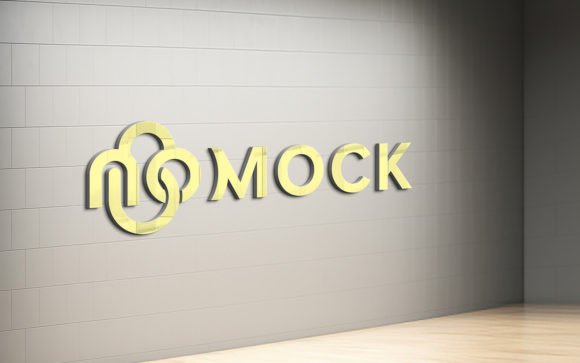
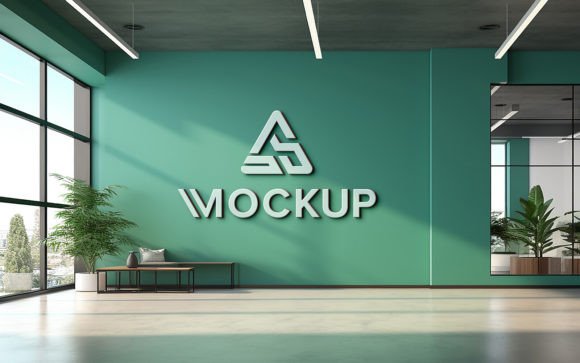
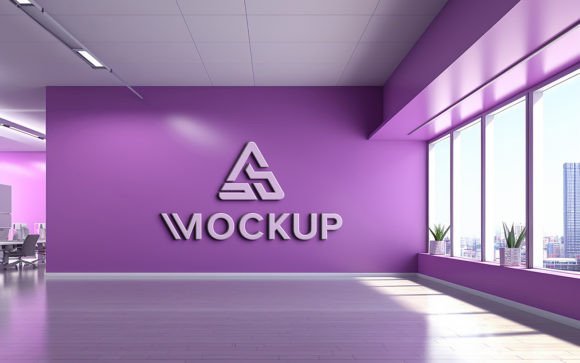
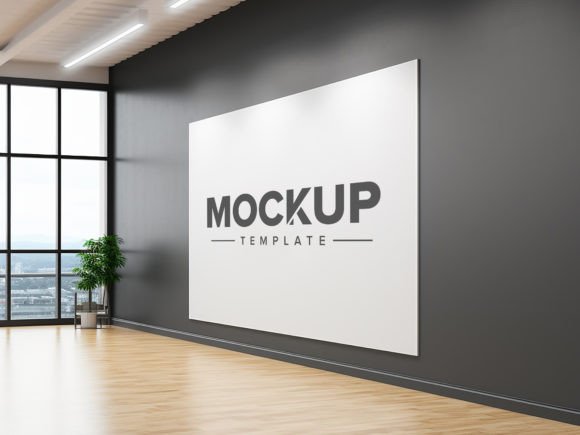
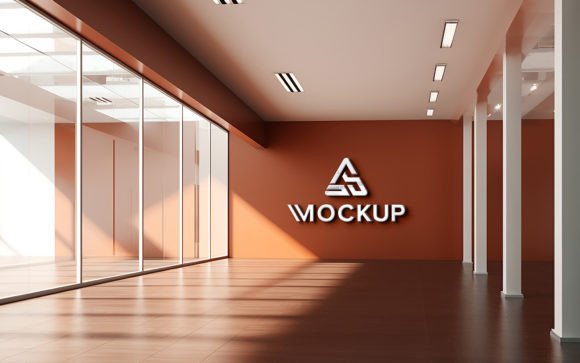
In the modern corporate landscape, transparency is more than a buzzword; it is a design philosophy. Open-plan offices with glass partitions have become the standard for fostering collaboration and trust. For designers, marketers, and brand strategists, presenting visual concepts within this specific environment requires precision. A Glass Wall Office Meeting Room Mockup serves as an essential tool for bridging the gap between digital design and physical reality. It allows professionals to visualize how branding, signage, or interior graphics will appear in a high-end, contemporary workspace before any physical production begins.
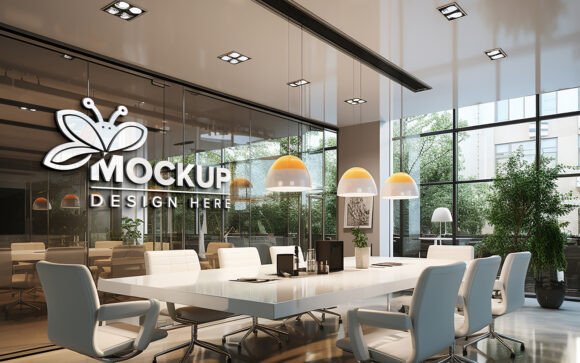
The primary value of this tool lies in its ability to simulate real-world lighting and material interactions. Glass is a challenging medium to render accurately because it reflects, refracts, and transmits light simultaneously. A flat 2D design placed over a photo often looks disjointed and unrealistic. However, using a high-quality 3D realistic mockup ensures that your design integrates seamlessly with the environment. The automatic application of correct shadows and lighting means that your logo or text appears to be physically printed on or applied to the glass surface, rather than floating above it. This level of fidelity is crucial when presenting to clients who need to trust that the final output will match their expectations.
Streamlining the Design Workflow with Smart Objects
One of the most significant barriers to effective presentation is the time required to create realistic composites manually. Traditional methods involve complex masking, perspective warping, and manual shadow creation, which can take hours per iteration. The Glass Wall Office Meeting Room Mockup eliminates this bottleneck through the use of smart object technology. This feature allows users to add their own logo, design, or text simply by double-clicking a designated layer in Photoshop. Once the design is saved, the software automatically maps it onto the glass surface, adjusting for perspective and curvature.
This functionality is particularly beneficial for freelancers and small business owners who may not have extensive teams or unlimited billable hours. The "no skill requirement" aspect regarding technical manipulation means that even those with basic Photoshop knowledge can produce professional-grade visuals. The focus shifts from technical execution to creative decision-making. You can test multiple color variations, font choices, or logo placements in minutes rather than days. This rapid iteration capability supports better creative outcomes, as designers are encouraged to explore more options without being penalized by the time cost of each adjustment.
Enhancing Client Communication and Approval Rates
Communication gaps between designers and clients often stem from a lack of visual context. A client may struggle to imagine how a minimalist logo will look on a large glass partition in a sunlit conference room. Abstract descriptions or flat digital files rarely convey the emotional impact of the final installation. By utilizing a Glass Wall Office Meeting Room Mockup, you provide a tangible preview of the end result. This clarity helps stakeholders make informed decisions quickly, reducing the number of revision rounds and accelerating the approval process.
Consider a scenario where an interior designer is proposing office branding for a tech startup. The startup values innovation and openness. Presenting a design on a plain white background fails to capture the essence of the space. However, showing the same design integrated into a realistic glass-walled meeting room, complete with reflections of the surrounding office furniture and natural light, creates an emotional connection. The client can see how the brand identity enhances the architectural features. This contextual presentation strengthens communication and builds confidence in the designer’s expertise, ultimately leading to higher satisfaction and stronger professional relationships.
Technical Quality and Organizational Efficiency
The effectiveness of any mockup depends heavily on its technical construction. A poorly organized file can hinder productivity, causing frustration and errors. The pack described here addresses these concerns by offering fully layered and well-organized folders. Each element, from the background environment to the glass reflections and the smart object layer, is clearly labeled. This structure allows for easy editing and customization. If a user wishes to adjust the intensity of the reflection or change the background slightly, the accessible layers make this possible without disrupting the core design.
Furthermore, the resolution of the file plays a critical role in its versatility. With a 300 DPI standard, the mockup is suitable for both high-resolution digital presentations and print-ready proofs. This ensures that details remain sharp, whether viewed on a 4K monitor or printed in a portfolio. The inclusion of both PSD and JPG formats provides flexibility. The PSD file is for active editing, while the JPG can be used for quick previews or social media sharing. This comprehensive approach ensures that the tool adapts to various stages of the design workflow, from initial concept to final delivery.
Ideal Use Cases and Audience Considerations
While the primary audience includes graphic designers and branding agencies, the utility of this mockup extends to a broader range of professionals. Interior architects can use it to propose signage solutions that complement their spatial designs. Marketing managers can visualize office environmental graphics for internal campaigns or employer branding initiatives. Even educators and students in design fields can benefit from using such tools to understand the principles of material rendering and environmental integration.
For entrepreneurs and small business owners, this tool offers a cost-effective way to plan office aesthetics. Before committing to expensive vinyl cuts or etched glass installations, they can experiment with different designs digitally. This reduces the risk of costly mistakes and ensures that the final physical product aligns with the company’s visual identity. The ability to see the design in situ helps in making confident purchasing decisions, saving both time and resources.
Limitations and Best Practices
Despite its advantages, it is important to recognize the limitations of any mockup. A static image cannot fully replicate the dynamic nature of light throughout the day. Shadows and reflections change with the position of the sun and artificial lighting conditions. Therefore, while the mockup provides a highly accurate representation, it should be used as a guide rather than an absolute promise of the final outcome. Users should consider discussing lighting conditions with their printers or installers to ensure the physical materials chosen reflect light in a manner consistent with the digital preview.
Additionally, the effectiveness of the smart object feature relies on the quality of the source design. Low-resolution logos or pixelated images will still appear poor when mapped onto the glass. Users must ensure that their input files are vector-based or high-resolution raster images to maintain the integrity of the final render. Proper preparation of design assets is essential to leveraging the full potential of the Glass Wall Office Meeting Room Mockup.
In conclusion, integrating this mockup into your design toolkit offers a practical solution for visualizing branding in modern office environments. It saves time, enhances communication, and elevates the professionalism of your presentations. By focusing on realistic details and user-friendly editing features, it empowers creators to deliver compelling visual narratives that resonate with clients and stakeholders. Whether you are a seasoned designer or a business owner planning your workspace, this tool provides the clarity and confidence needed to bring your vision to life.