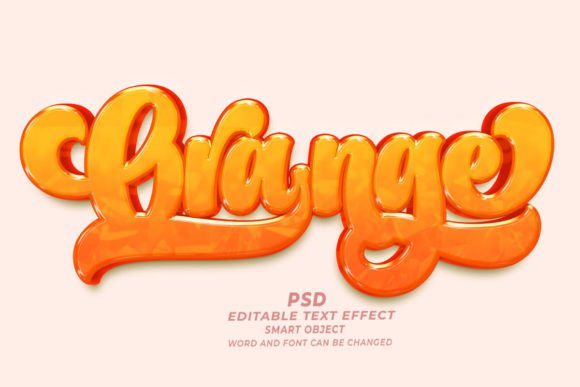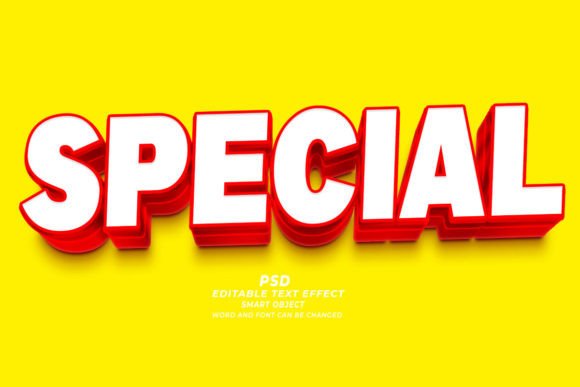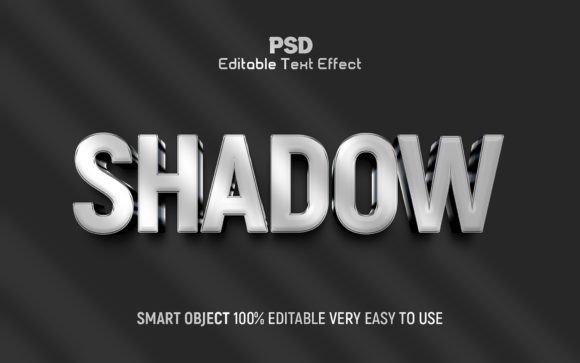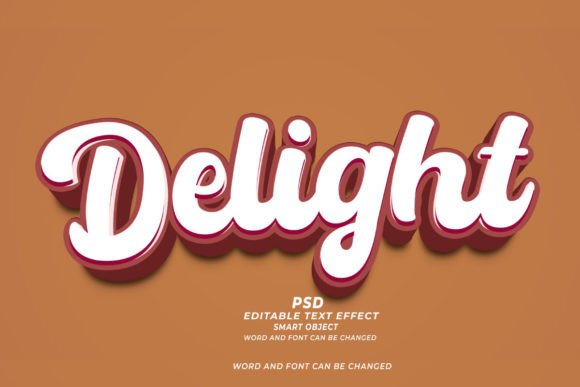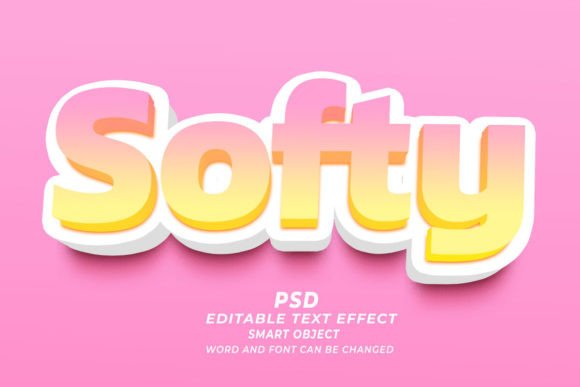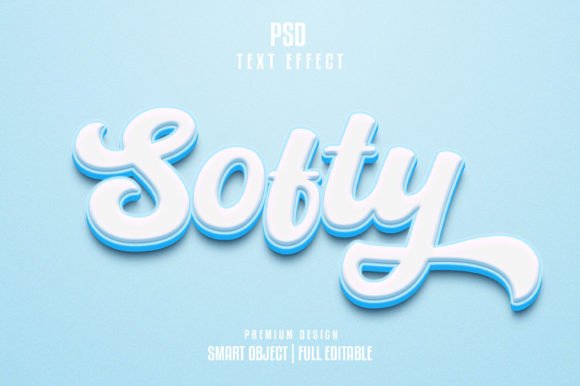
Mastering the Softy 3D Text Effect
In the fast-paced world of digital design, first impressions are often dictated by typography. Whether you are crafting a social media post, designing a product mockup, or building a brand identity, the way your text looks can determine whether a viewer stops scrolling or moves on. This is where the Softy 3D Text Effect comes into play. It offers a sophisticated, tactile quality to flat letters, giving them depth, shadow, and a sense of presence that plain fonts simply cannot achieve. For designers of all skill levels, from seasoned professionals to enthusiastic beginners, utilizing a high-quality template can bridge the gap between an amateur look and a polished, professional finish.
Why Choose a Pre-Made Text Effect Template?
Creating realistic three-dimensional text from scratch in software like Adobe Photoshop is a time-consuming process. It involves complex layer styles, careful manipulation of lighting sources, precise shadow casting, and a deep understanding of perspective. For many creators, especially those working under tight deadlines, this level of manual effort is not always feasible. This is the primary value proposition of an editable PSD text effect template. It provides a shortcut without sacrificing quality.
When you download a resource like the Softy 3D Text Effect template, you are essentially acquiring a pre-engineered design structure. The heavy lifting regarding lighting, texture, and dimension has already been done by expert designers. Your job is simplified to inputting your own message. This approach allows you to maintain a high standard of visual appeal while significantly reducing production time. It is an ideal solution for freelancers who need to deliver quick turnarounds, small business owners managing their own marketing, or bloggers looking to elevate their header images.
Key Features That Enhance Workflow
Not all templates are created equal, and understanding the technical specifications of your design assets is crucial for achieving the best results. The TEXT EFFECT TEMPLATE discussed here is built with usability and quality in mind. Here is a breakdown of why these specific features matter for your creative process:
- Smart Objects: This is arguably the most important feature for ease of use. Smart Objects allow you to double-click a layer, type your new text, save, and see the effect update automatically across the entire composition. You do not need to manually adjust shadows or highlights every time you change a letter.
- High Resolution (300 DPI): With a resolution of 300 dots per inch, this template is suitable for both digital displays and print materials. Whether you are creating a web banner or a physical flyer, the edges of your text will remain crisp and clean, avoiding pixelation.
- Optimized Dimensions: The canvas size of 2000x1331 pixels offers a versatile landscape format. It is wide enough for website headers and YouTube thumbnails but can easily be cropped or resized for other social media platforms without losing essential detail.
- Well-Layered Organization: A messy file can be frustrating to navigate. This PSD is organized into clear groups, making it easy to locate background elements, text layers, and adjustment settings. This structure is particularly helpful for beginners who want to learn how the effect was constructed by exploring the layers.
- Free Font Usage: Many premium templates require you to purchase specific fonts to replicate the preview. This template utilizes free fonts, meaning you can start designing immediately without additional costs or licensing hurdles.
Practical Applications for Creators and Businesses
The versatility of the Softy 3D Text Effect makes it applicable across a wide range of projects. Because the style is "soft," it implies a gentle, approachable, and modern aesthetic. It lacks the harsh, aggressive edges of some industrial 3D styles, making it perfect for brands that want to appear friendly and accessible.
Social Media Marketing
Influencers and marketers can use this effect to create eye-catching quotes or announcement graphics. On platforms like Instagram or Pinterest, where visual appeal drives engagement, a 3D text overlay can make a static image stand out in a crowded feed. The RGB color mode ensures that the colors look vibrant and accurate on screens.
E-Commerce and Product Launches
Small business owners launching a new product can use this template to highlight key selling points. For example, placing words like "New Arrival" or "Sale" in a soft 3D style over a product photo adds a premium feel to the advertisement. It draws the eye to the message without overpowering the product itself.
Educational Content and Presentations
Educators and corporate trainers can enhance their slide decks or online course materials by using 3D text for chapter titles or key concepts. It adds a layer of professionalism to educational resources, making them feel more produced and valuable to the learner.
Personal Branding and Portfolios
Freelancers and creatives can use this effect in their portfolio headers or business cards. It demonstrates an attention to detail and a modern design sensibility, helping to establish a strong personal brand identity.
Important Considerations Before You Start
While using a template is straightforward, there are a few things to keep in mind to ensure you get the most out of the Softy 3D Text Effect. First, consider the contrast between your text and the background. Since 3D effects rely on shadows and highlights to create depth, they work best when there is sufficient contrast. If your background is too busy or similar in color to the text, the 3D effect may get lost. Always preview your design at different sizes to ensure readability.
Second, remember that while the font is free, customization is key. Do not just leave the default text. Experiment with short, punchy phrases. Long sentences can become cluttered when rendered in 3D, as the depth can make smaller details hard to read. Keep your messaging concise for maximum impact.
Finally, respect the file format. Since this is a PSD file, you will need Adobe Photoshop to edit it. If you are using alternative software, ensure it supports PSD smart objects, or be prepared to rasterize layers, which may limit your ability to edit the text later. Always keep a copy of the original, unedited file so you can return to it if you make a mistake.
Conclusion
The Softy 3D Text Effect template is more than just a graphic asset; it is a tool that empowers creators to produce high-quality visuals efficiently. By leveraging smart objects, high-resolution outputs, and a user-friendly structure, it removes the technical barriers associated with 3D typography. Whether you are a marketer looking to boost click-through rates, a student creating a standout presentation, or a designer seeking to streamline your workflow, this editable PSD offers a practical, professional solution. Download the design, experiment with your messaging, and see how a touch of depth can transform your digital communication.