Mastering the Shadow 3D Editable Text Effect: A Practical Guide for Designers
In the realm of digital graphic design, typography is rarely just about legibility; it is about presence. The Shadow 3D Editable Text Effect Style has emerged as a vital resource for designers who need to add depth, dimension, and visual weight to their compositions without spending hours manually constructing lighting and perspective. This specific style leverages the power of Adobe Photoshop CC to create a polished, three-dimensional appearance that feels tangible and grounded. For professionals and hobbyists alike, understanding how this editable PSD resource functions—and where it fits within the broader ecosystem of design tools—is essential for efficient workflow management.
The core appeal of this graphic resource lies in its balance between high-quality output and ease of use. By providing a pre-configured environment where every element is adjustable, it allows users to apply a sophisticated aesthetic to their text quickly. However, before integrating such tools into your pipeline, it is crucial to evaluate whether this approach aligns with your project’s specific needs, technical constraints, and creative goals.
Understanding the Mechanics of the Shadow 3D Style
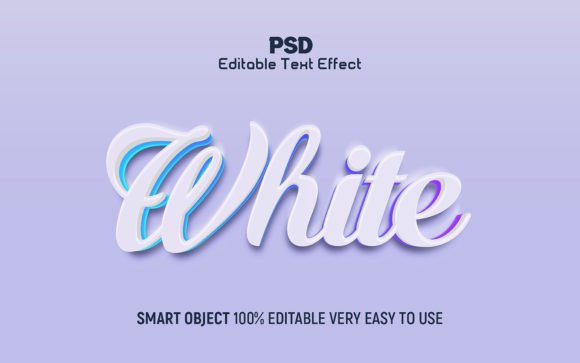
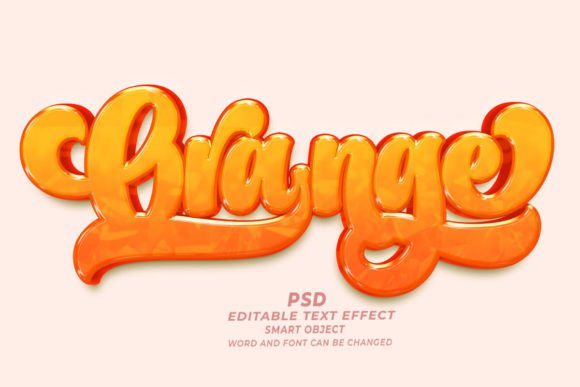
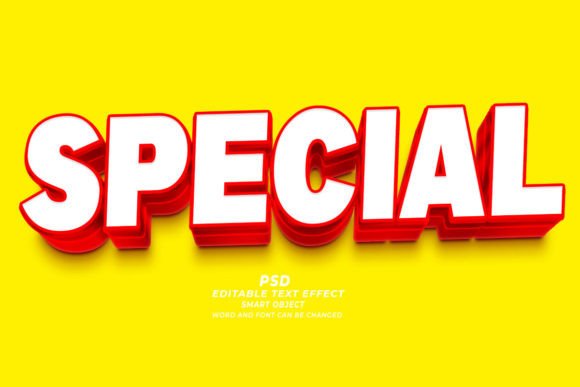
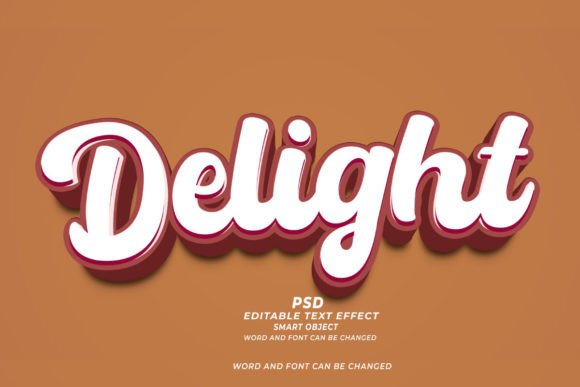
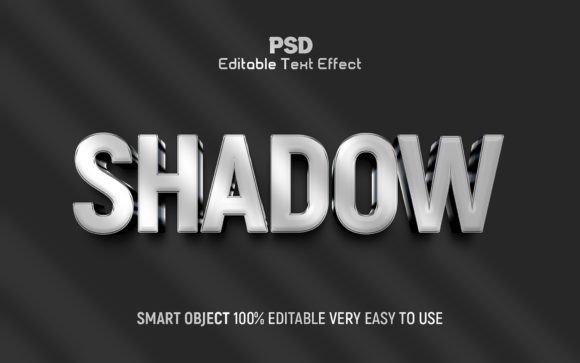
At its foundation, the Shadow 3D Editable Text Effect is not merely a filter or a preset; it is a structured layer system built within Adobe Photoshop. When you download this resource, you are receiving a highly organized PSD file that utilizes smart objects, layer styles, and blending modes to simulate three-dimensionality. The "shadow" aspect is particularly critical, as it anchors the text to the background, preventing it from looking like it is floating aimlessly in space.
The technical specifications of this resource are designed for professional print and digital standards. With a resolution of 300 DPI in RGB color mode, the effect maintains crisp edges and smooth gradients even when scaled or viewed on high-resolution displays. The preview image size of 2000x1250 pixels offers a substantial canvas for initial visualization, ensuring that designers can assess the impact of the text within a realistic context before finalizing their layout.
What distinguishes this from basic text effects is the level of editability. The inclusion of a help guide and well-organized layers means that users are not locked into a single look. You can modify the font, adjust the intensity of the shadow, change the angle of the light source, and alter the color palette. This flexibility is what transforms a static template into a dynamic design tool.
Comparing Editable PSDs to Manual Creation and Other Tools
When deciding whether to use a Shadow 3D Editable Text Effect PSD, designers often weigh it against two primary alternatives: building the effect manually from scratch or using automated online generators. Each approach has distinct tradeoffs regarding time, control, and quality.
Manual Creation in Photoshop: Building a 3D text effect manually involves creating multiple layer duplicates, applying transformations, adjusting opacity, and meticulously painting shadows and highlights. While this method offers ultimate creative control, it is time-intensive. For a single project, the investment might be justified. However, for agencies or freelancers handling multiple clients with tight deadlines, the opportunity cost is high. The editable PSD streamlines this process, reducing hours of work to minutes of customization.
Automated Online Generators: There are numerous web-based tools that claim to create 3D text instantly. These are convenient for quick social media posts but often lack the refinement required for professional branding or print materials. They typically offer limited resolution, restricted font choices, and generic shadow styles that can look artificial. In contrast, the Shadow 3D Editable Text Effect Style provides a high-resolution, customizable foundation that retains the nuance of professional design software.
Dedicated 3D Software: Programs like Blender or Cinema 4D offer true 3D modeling capabilities. While powerful, they have a steep learning curve and are often overkill for simple typographic treatments. If your goal is to integrate text into a complex 3D scene with realistic physics and lighting, dedicated software is necessary. But for most graphic design applications—such as posters, headers, and advertisements—the Photoshop-based editable effect strikes the right balance between realism and efficiency.
Key Features and Usability Considerations
To determine if this resource is the right fit for your workflow, consider the following features and how they impact daily design tasks:
- 100% Editable Fonts and Elements: The ability to swap typefaces instantly is crucial. Whether you need a bold sans-serif for a modern tech brand or a serif for a luxury editorial, the smart object structure allows for seamless substitution without breaking the effect.
- Well-Organized Layers in Groups: A chaotic layer panel can hinder productivity. This resource groups related elements—such as shadows, highlights, and base text—logically. This organization makes it easier to troubleshoot issues or make fine-tuned adjustments without affecting unrelated parts of the design.
- High-Resolution Output: At 300 DPI, the effect is suitable for both digital screens and physical print. This versatility means you can use the same asset for a website banner and a printed flyer, ensuring brand consistency across mediums.
- Included Help Guide: For users who are less familiar with advanced Photoshop techniques, the included documentation serves as a valuable safety net. It reduces the learning curve and ensures that users can maximize the potential of the tool without frustration.
It is also important to note the support structure. Having access to responsive customer service for questions about the design or technical issues adds a layer of reliability that free templates often lack. This support can be the deciding factor for professionals who cannot afford downtime due to file errors or compatibility issues.
When to Use This Effect and When to Look Elsewhere
The Shadow 3D Editable Text Effect Style is not a universal solution for every typographic challenge. Understanding its best-fit scenarios helps prevent misuse and ensures optimal results.
Ideal Use Cases:
- Promotional Materials: Sales banners, event posters, and product launches often benefit from bold, attention-grabbing text. The 3D shadow effect adds urgency and prominence.
- Social Media Graphics: In crowded feeds, dimensional text stands out. The high contrast and depth help capture scrolling users' attention.
- YouTube Thumbnails and Video Titles: Readability and impact are paramount here. The shadow effect ensures text remains legible against complex background images.
- Branding Headers: For websites or presentations where a strong visual identity is needed, this effect can reinforce a modern, dynamic brand personality.
Situations Requiring Alternatives:
- Minimalist Designs: If your project relies on flat design principles or subtle elegance, a heavy 3D shadow may clash with the aesthetic. In such cases, a simple drop shadow or no shadow at all might be more appropriate.
- Small Body Text: This effect is best suited for headlines and titles. Applying complex 3D effects to small paragraphs can reduce readability and create visual clutter.
- True Photorealism: If you need text to interact with real-world objects in a photograph (e.g., casting shadows on uneven surfaces), a manual composite or 3D software integration will yield more convincing results than a template-based approach.
Making an Informed Decision
Choosing the right typographic treatment is a strategic decision. The Shadow 3D Editable Text Effect Style offers a compelling blend of quality, speed, and flexibility. It empowers designers to produce professional-grade visuals without the overhead of manual construction or the limitations of automated generators.
However, success depends on thoughtful application. Evaluate your project’s tone, audience, and technical requirements. If you need a versatile, high-impact solution that integrates seamlessly into Adobe Photoshop workflows, this editable PSD resource is a strong candidate. By leveraging its organized layers and high-resolution output, you can elevate your designs while maintaining efficiency. Always remember that tools are only as effective as the intent behind them; use this effect to enhance communication, not just to decorate.