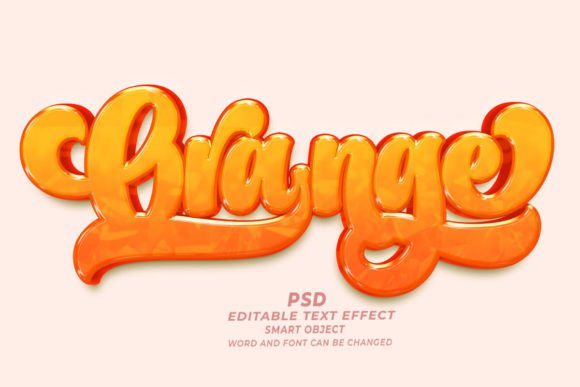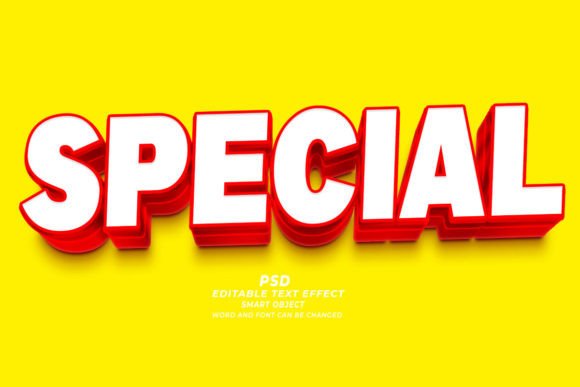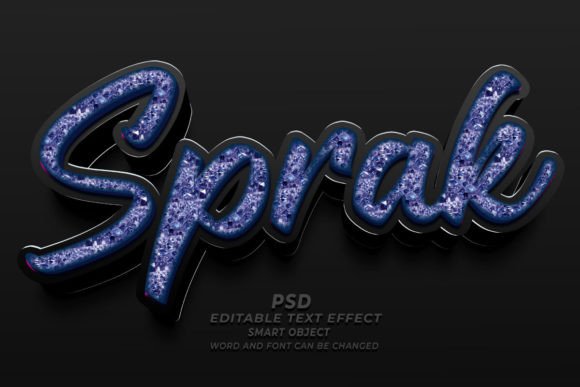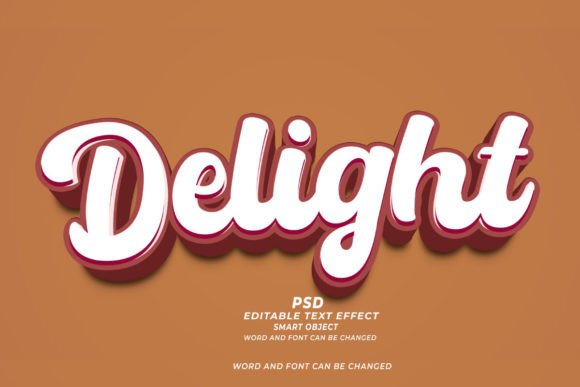
Transforming Designs with Aqua PSD 3D Editable Text Effect
In the fast-paced world of digital design, time is often the most scarce resource. Whether you are a seasoned graphic designer managing multiple client deadlines or a small business owner handling your own marketing materials, the ability to produce high-quality visuals quickly is invaluable. This is where tools like the Aqua PSD 3D Editable Text Effect come into play. It is not just about having a pretty font; it is about integrating complex, three-dimensional aesthetics into your workflow without the steep learning curve typically associated with 3D modeling software.
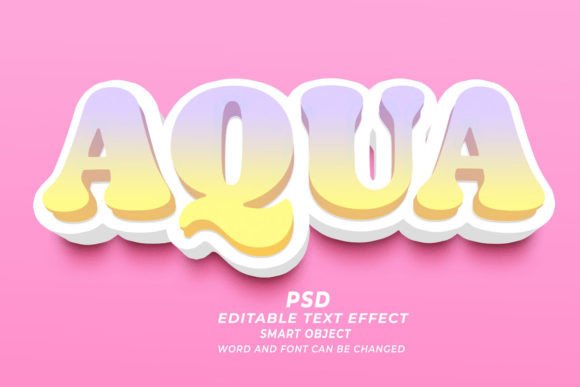
The core appeal of this resource lies in its simplicity and versatility. At its heart, it is a Photoshop file built on smart objects. This technical foundation allows users to simply open the file, double-click the smart object layer, type their desired text, and save. The moment you save that layer, the main document updates automatically, wrapping your new text in a stunning, water-inspired three-dimensional finish. This "click and edit" functionality removes the barrier between concept and execution, making professional-grade typography accessible to everyone from beginners to experts.
Real-World Applications for Digital Marketers
For digital marketers, visual hierarchy is everything. You have seconds to capture attention on social media feeds or website banners. The Aqua PSD 3D editable text effect offers a unique way to make headlines pop. Imagine creating a summer sale banner for a beachwear brand. Instead of using flat, standard typography, you can apply this aqua effect to the word "SUMMER" or "SALE." The liquid, glossy texture immediately evokes feelings of refreshment and coolness, aligning perfectly with the product being sold.
Because the file is fully editable, you are not stuck with a preset phrase. You can change the words, fonts, and sizes to match your specific campaign needs. This flexibility is crucial when A/B testing different ad creatives. You can rapidly generate variations of the same design concept, swapping out text to see which messaging resonates best with your audience. The high resolution of 300dpi ensures that these graphics look crisp not only on retina displays but also when scaled for larger web headers.
Elevating Print-on-Demand and Apparel Design
The Print-on-Demand (POD) industry thrives on niche designs and rapid trend response. T-shirt designers, in particular, are constantly looking for textures and effects that stand out in a crowded marketplace. The aqua text effect provides a tactile quality that translates well to fabric prints. When used on a dark-colored shirt, the glossy, water-like highlights can create a striking contrast that mimics the look of wet paint or glass.
Consider a designer creating a line of apparel for a surfing community or a coastal lifestyle brand. Using this PSD text effect allows them to create logos or slogans that feel organic to the theme. Since the effect works with any kind of shape, not just standard alphanumeric characters, designers can experiment with custom icons or abstract forms that maintain the same cohesive aquatic aesthetic. The ability to easily swap fonts means you can test bold, blocky letters for a masculine look or flowing scripts for a more elegant vibe, all while retaining the signature 3D water texture.
Book Cover Design and Publishing
Self-publishing authors and cover designers using platforms like Kindle Direct Publishing (KDP) understand that a book cover is its primary marketing tool. Genre expectations play a huge role in sales. For thrillers set near the ocean, romance novels with beach settings, or non-fiction books about marine life, typography needs to convey the atmosphere before the reader even opens the book. The Aqua PSD 3D Editable Text Effect allows authors to create professional-looking titles that suggest depth and fluidity.
One common challenge in book cover design is ensuring legibility while maintaining artistic flair. With this tool, you can adjust the size and positioning of the text to ensure the title remains readable even at thumbnail size. The 3D aspect adds a layer of sophistication that distinguishes self-published works from amateur designs. By using smart objects, an author can iterate through several title options quickly, seeing exactly how each one looks with the effect applied before committing to a final layout.
Corporate Branding and Marketing Materials
While often associated with creative or casual industries, this type of text effect can also serve corporate purposes when used judiciously. Companies in the beverage industry, spa and wellness sectors, or environmental organizations can leverage the clean, fresh look of aqua typography in their brochures, flyers, and presentation decks. It conveys purity, clarity, and calmness—attributes that many brands strive to associate with their identity.
For internal marketing teams, having a library of editable PSD templates streamlines the creation of consistent branded materials. Instead of starting from scratch for every internal newsletter or event poster, designers can use the base file and update the text for each occasion. This ensures visual consistency across all touchpoints while significantly reducing production time. The high-resolution output means these files are ready for both digital distribution and professional printing, offering a seamless transition between online and offline marketing channels.
Technical Considerations and Best Practices
Before diving into using the Aqua PSD 3D editable text effect, it is important to understand a few technical nuances to get the best results. First, while the tool is designed to be easy to use, the choice of font matters. Thick, bold fonts tend to showcase the 3D effect better than thin, delicate scripts, which might lose some of the dimensional detail. Experimenting with different typefaces is part of the process, and since the file allows for easy font swapping, you can test various options without penalty.
Another consideration is the background context. The aqua effect relies on highlights and shadows to create the illusion of depth. Placing the text against a busy or similarly colored background might reduce its impact. It often works best against contrasting backgrounds—such as dark blues, sandy beiges, or clean whites—that allow the glossy textures to stand out. Additionally, because the file operates at 300dpi, it is heavy in terms of data. Ensure your computer has sufficient RAM and processing power to handle large PSD files smoothly, especially if you are working on multiple layers simultaneously.
It is also worth noting that while smart objects are powerful, they require Adobe Photoshop to edit. If you are collaborating with team members who use different software, you will need to export the final design as a PNG or JPEG for sharing. However, keeping the original PSD file is essential for any future edits, so always maintain an organized archive of your source files.
Maximizing Creativity with Flexible Tools
Ultimately, the value of the Aqua PSD 3D Editable Text Effect lies in its ability to free up creative energy. By automating the complex task of rendering 3D liquid textures, it allows designers to focus on composition, color theory, and overall message. Whether you are designing a website hero section, a promotional T-shirt, or a captivating book cover, this tool serves as a bridge between imagination and realization. It empowers users to produce polished, professional results that would otherwise take hours to achieve manually, making it an indispensable asset in any modern designer’s toolkit.