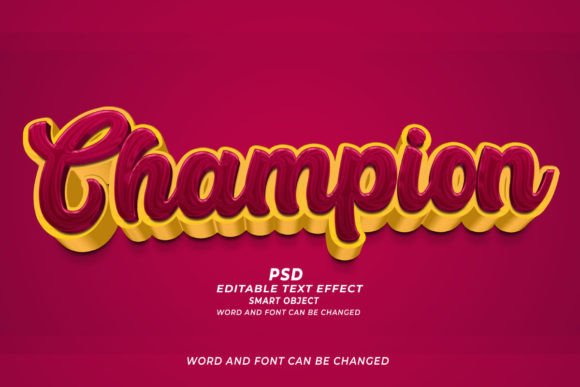
Mastering Visual Impact with Champion PSD 3D Editable Text Effect
In the fast-paced world of digital design, time is often the most scarce resource. Whether you are a seasoned graphic designer juggling multiple client deadlines or a small business owner trying to create professional marketing materials on a budget, the pressure to deliver high-quality visuals quickly is real. This is where tools like the Champion PSD 3D Editable Text Effect become indispensable. It is not just about making text look three-dimensional; it is about streamlining your workflow so you can focus on creativity rather than technical execution.
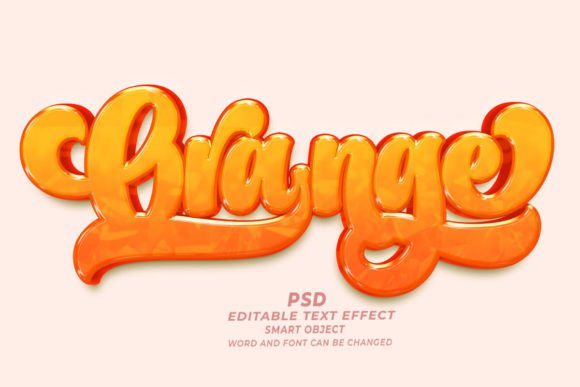
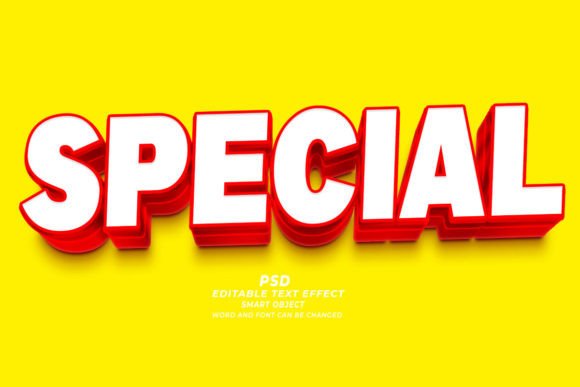
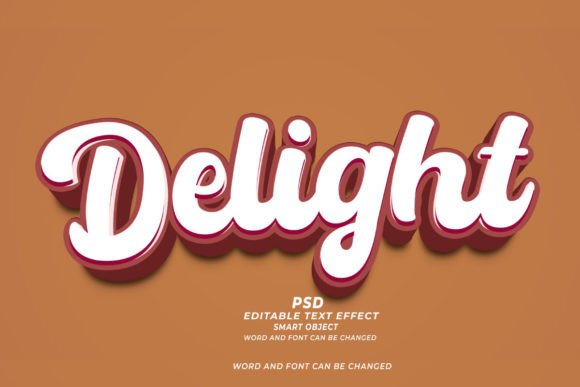
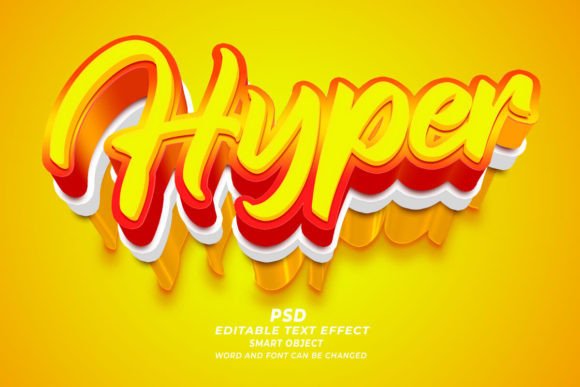
At its core, this resource is a Photoshop template designed for efficiency. You do not need to spend hours adjusting layer styles, calculating lighting angles, or mastering complex 3D rendering settings. Instead, you simply open the file, locate the smart object, and type your desired text. The heavy lifting has already been done. The result is a polished, high-resolution 3D text effect that looks like it took hours to create, but actually takes seconds. For anyone looking to elevate their visual content without the steep learning curve, this approach offers a perfect balance of professionalism and ease.
Why Smart Objects Change the Game for Creators
The magic behind the Champion PSD 3D editable text effect lies in its use of Adobe Photoshop Smart Objects. For those unfamiliar with this feature, smart objects allow you to embed content that retains its original characteristics. When you double-click the smart object layer, a new window opens where you can edit the text or shape. Once you save and close that window, the main document updates automatically, applying all the pre-set shadows, highlights, textures, and perspective changes.
This functionality is crucial for several reasons. First, it ensures non-destructive editing. You can change your mind about the wording, font, or size as many times as you like without degrading the image quality. Second, it guarantees consistency. If you are creating a series of banners or social media posts, you can ensure that every piece of text has the exact same 3D style, lighting, and depth. This level of uniformity is essential for brand identity, yet it is notoriously difficult to achieve manually. With this template, consistency is built-in.
Real-World Applications Across Industries
The versatility of this tool means it fits into a wide variety of professional and personal projects. Here is how different users can leverage this resource in their daily workflows.
E-Commerce and Print on Demand (POD)
For entrepreneurs running Print on Demand businesses, speed and variety are key to success. You might be selling T-shirts, mugs, or posters. Using the Champion PSD 3D Editable Text Effect, you can quickly generate mockups that show how a design will look in real life. Because the files are high resolution (300dpi), they are print-ready. You can swap out phrases to test different niches—such as motivational quotes, humorous slogans, or holiday greetings—without starting from scratch each time. This allows you to populate your store with diverse designs rapidly, increasing your chances of catching a trending wave.
Digital Marketing and Web Banners
Marketers know that eye-catching headlines drive clicks. A flat text headline on a web banner often gets lost in the noise. By applying a 3D effect, you add depth and prominence to your call-to-action. Whether you are designing Facebook ads, Instagram stories, or website headers, this text effect helps your message pop. Since the files are fully editable, you can A/B test different headlines easily. Change the font to match your brand guidelines, adjust the size to fit various ad dimensions, and maintain a professional look across all platforms. The ability to customize fonts and sizes means the effect never looks generic or repetitive.
Publishing and KDP Book Covers
Self-publishing authors using Kindle Direct Publishing (KDP) face fierce competition. A book cover is the first thing a potential reader sees, and typography plays a massive role in perceived value. Genre-specific fonts with 3D effects can instantly signal whether a book is a thriller, a romance, or a sci-fi adventure. With this PSD template, authors can experiment with different title treatments until they find the one that best represents their story. The high-resolution output ensures that the text remains crisp and clear even when printed as a paperback or hardcover, avoiding the pixelation that plagues amateur designs.
Corporate Presentations and Educational Materials
It is not just about selling products; it is also about communicating ideas. Educators and corporate trainers can use these effects to make slide decks more engaging. A 3D title on a presentation slide draws attention and breaks the monotony of standard bullet points. Similarly, creators of online courses can use these text effects for thumbnail images, making their content stand out in crowded marketplaces like Udemy or Teachable. The professional finish adds credibility, suggesting that the content inside is equally well-crafted.
What to Consider Before You Start
While the Champion PSD 3D editable text effect is designed to be user-friendly, there are a few practical considerations to keep in mind to get the best results.
- Font Selection: Not all fonts render well in 3D. Thick, bold fonts usually hold up better because they have more surface area for shadows and highlights to play on. Thin, delicate scripts might lose detail when extruded. Always preview your chosen font within the smart object to ensure readability.
- Color Harmony: The template likely comes with a predefined color scheme. While you can change colors, ensure that your new text color contrasts well with the background and complements the lighting effects. Clashing colors can make the 3D effect look muddy rather than dynamic.
- Resolution Requirements: Since these files are 300dpi, they are suitable for print. However, if you are using them strictly for web, you may want to export them at 72dpi to keep file sizes manageable for faster loading times. Always check the final output format required by your platform.
- Software Compatibility: Ensure you have a version of Adobe Photoshop that supports smart objects and the specific layer styles used in the file. Most modern versions work fine, but older versions might struggle with newer blending modes.
Maximizing Your Creative Workflow
The true value of adopting tools like this is not just in the final image, but in the time saved during the creation process. Imagine having ten different design concepts to present to a client. Without a template, creating ten unique 3D text variations could take an entire day. With the Champion PSD 3D Editable Text Effect, you can produce those same ten variations in under an hour. This efficiency allows you to iterate more, experiment boldly, and ultimately deliver better work.
Moreover, this tool lowers the barrier to entry for high-end design. You do not need to be a 3D modeling expert to create stunning visuals. This democratization of design technology empowers bloggers, hobbyists, and small business owners to compete with larger agencies. It levels the playing field, allowing quality and creativity to shine through regardless of technical skill level.
In conclusion, integrating the Champion PSD 3D editable text effect into your design toolkit is a strategic move. It addresses the common pain points of time consumption and technical complexity while delivering professional, high-impact results. Whether you are designing a book cover, a T-shirt, or a digital ad, this resource provides the flexibility and quality needed to stand out in a visually saturated world. By focusing on what matters most—your message and your audience—you can let the tool handle the technical details, ensuring your content always looks its best.